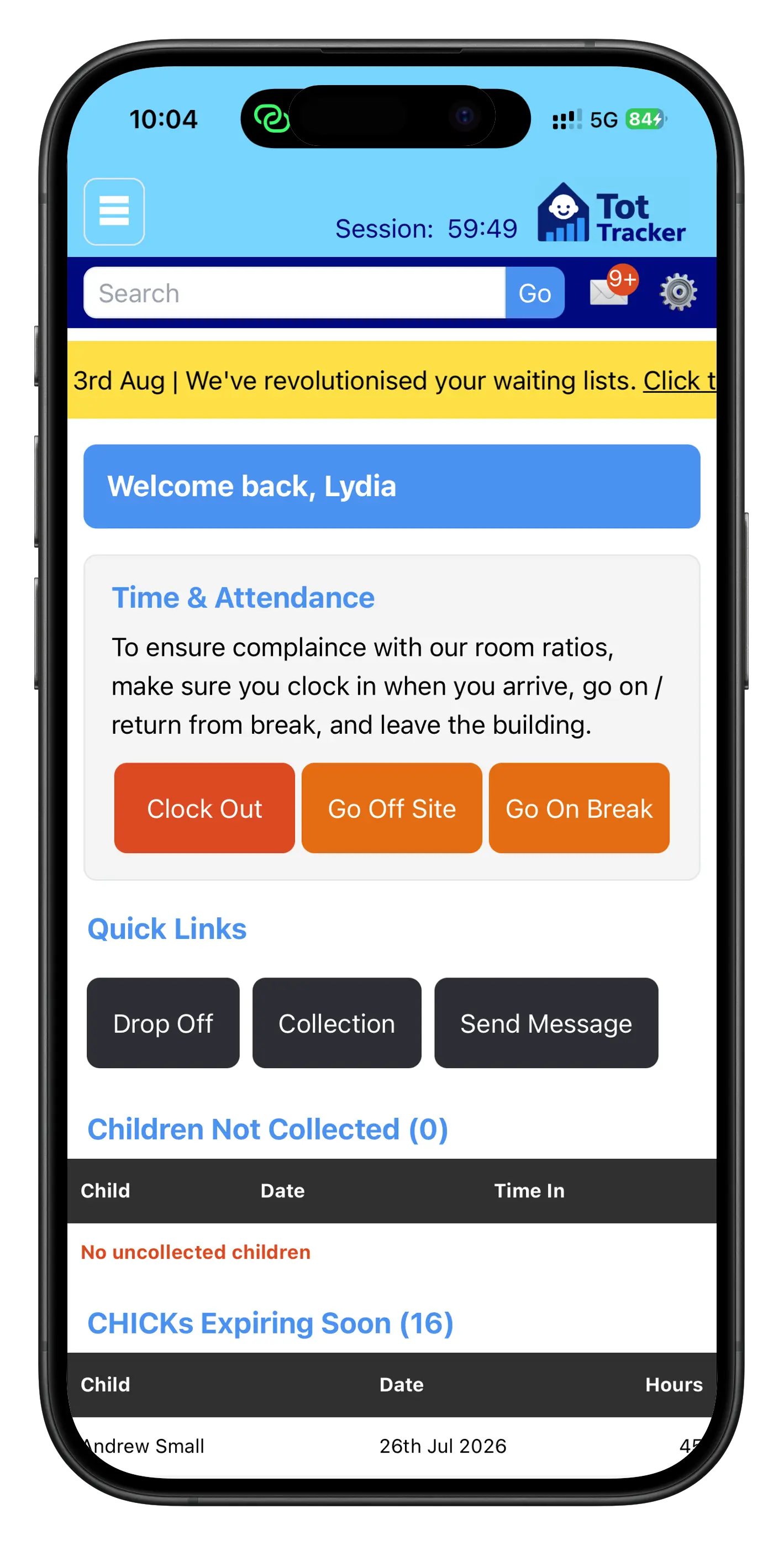
Every part of the day, not just the ends
Clocking in and out was always the easy part. Now breaks and time spent off-site, a school run, a trip to the shops, get tracked the same way, from the same dashboard staff already use for drop off and collection.
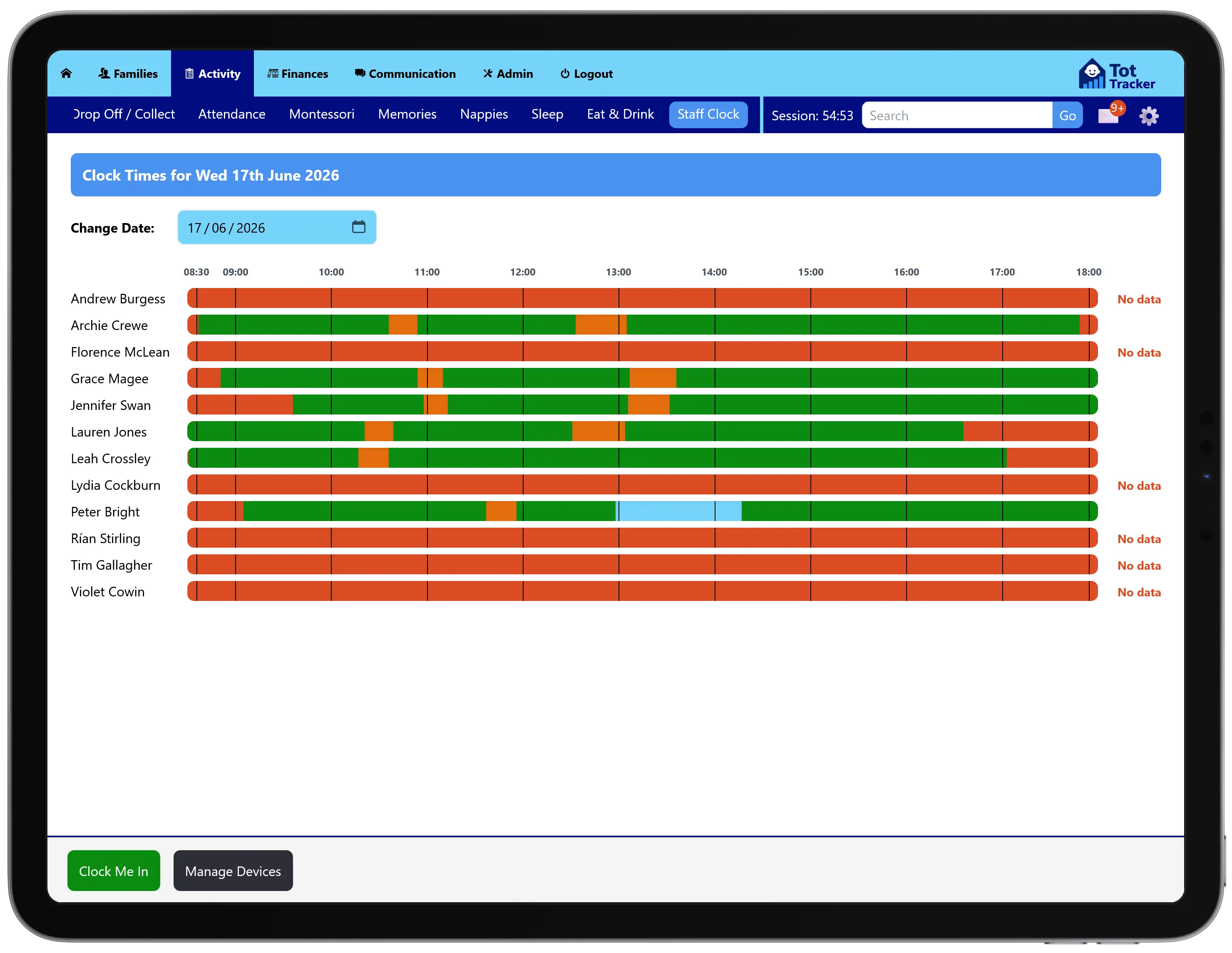
The whole team's day, and any shift in detail
One screen shows every staff member's day as a coloured timeline: on site, on break, off site, or no data at all, at a glance for a busy front desk or staff room.
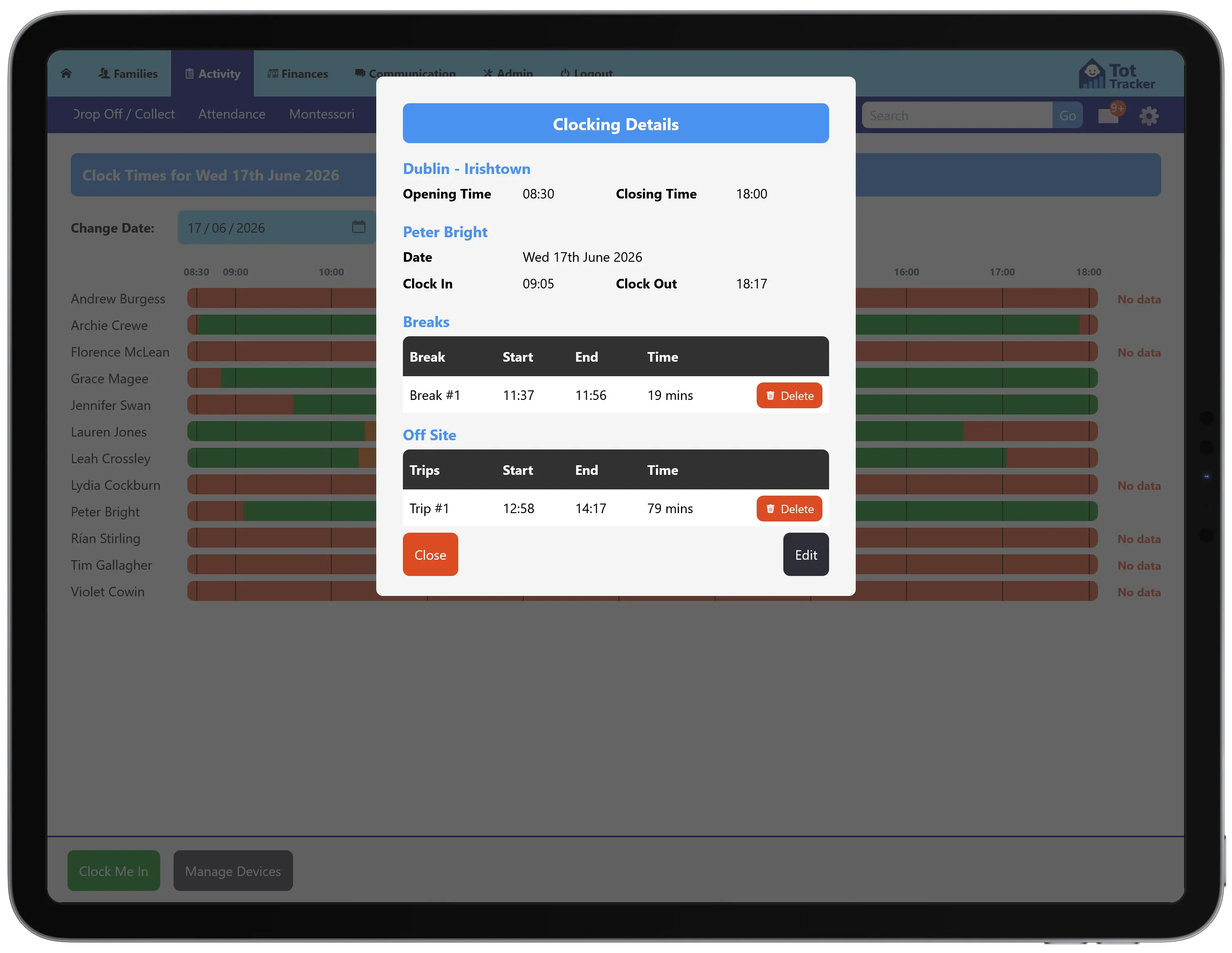
Tap into any entry and see the exact clock in and out times, how long each break ran, and where an off-site trip started and finished, all editable if something needs correcting.
Locked to devices you've approved
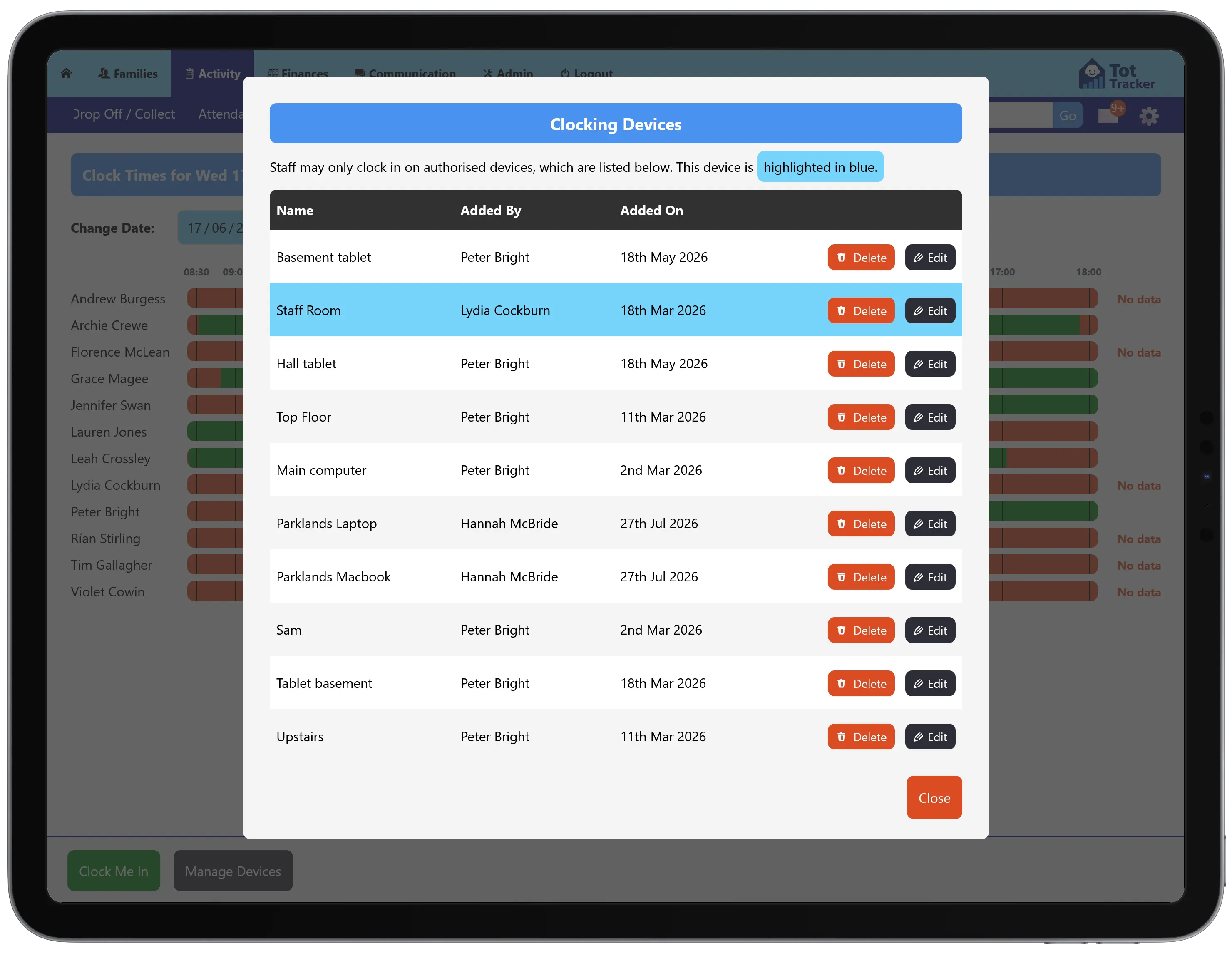
Staff can only clock in from a device you've authorised, so a shift can't be clocked from someone's own phone at home. Add or remove devices whenever you need to, and the one currently in use is clearly highlighted.