Parental App
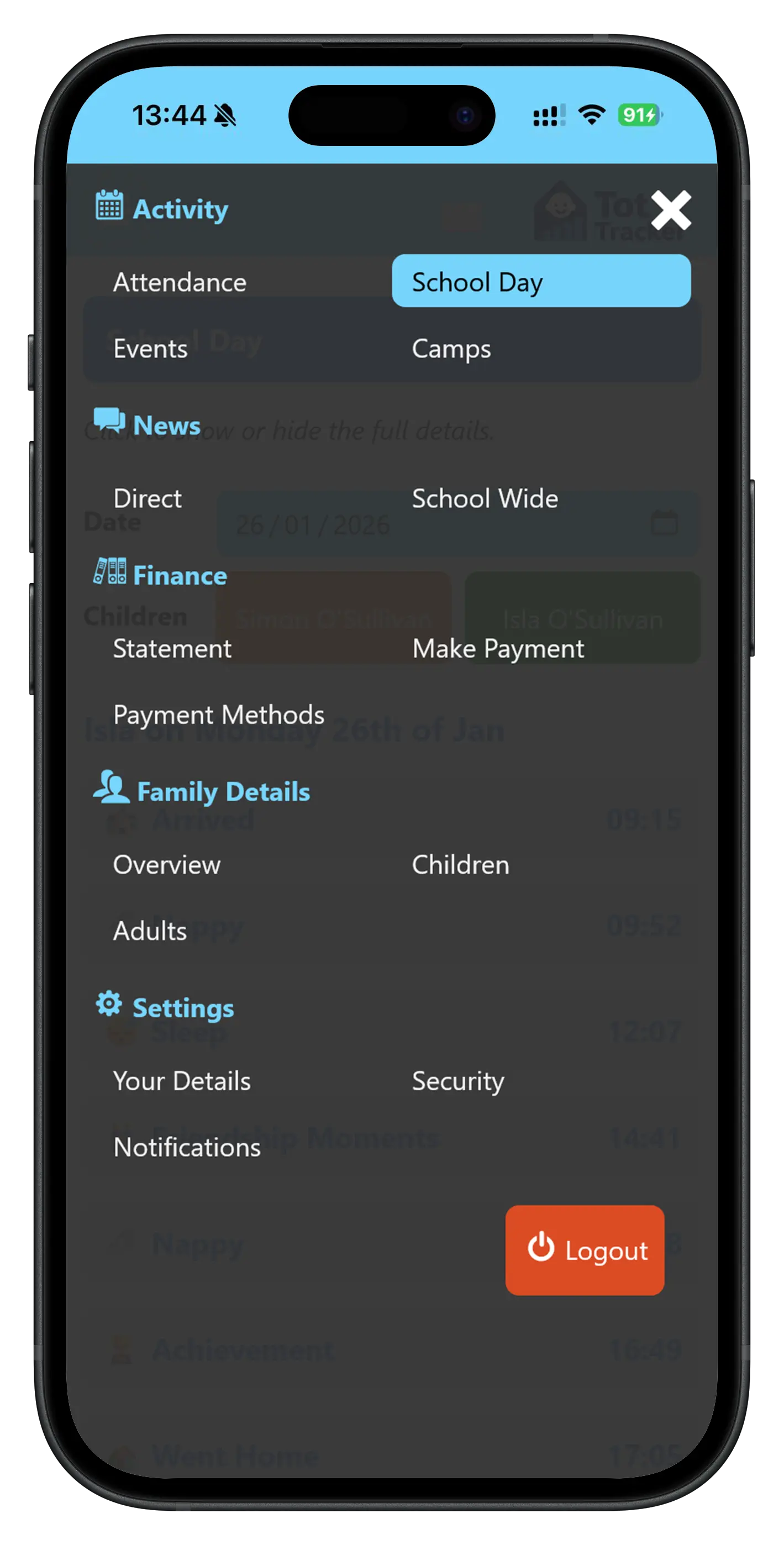
Tot Tracker includes a dedicated app built specifically for your parents. It's available on iOS, Android and via any laptop browser - no app store download required. Parents simply open a link and they're in, giving everyone a seamless, connected experience from day one.
The app acts as a single, secure hub for everything parents need. General communications, invoices, school day updates, shared memories and more all live in one place, rather than being scattered across emails, WhatsApp groups and paper notes pinned to a noticeboard.
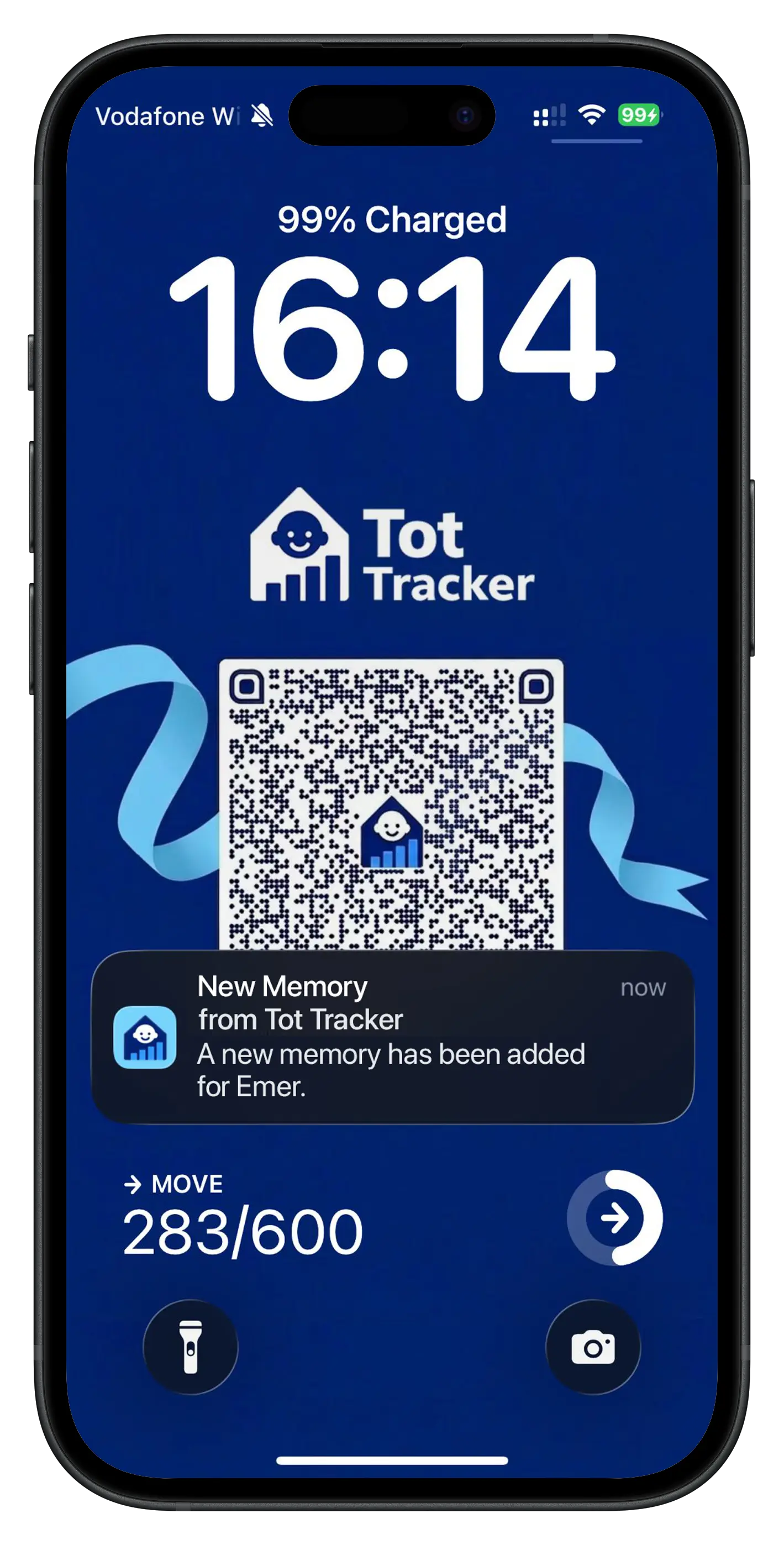
For the messages that really matter - like a pick-up time change or a new invoice - parents can opt into push notifications so nothing important gets missed. It gives teachers and owners the confidence that their message has landed, without the need to chase anyone.
School Day
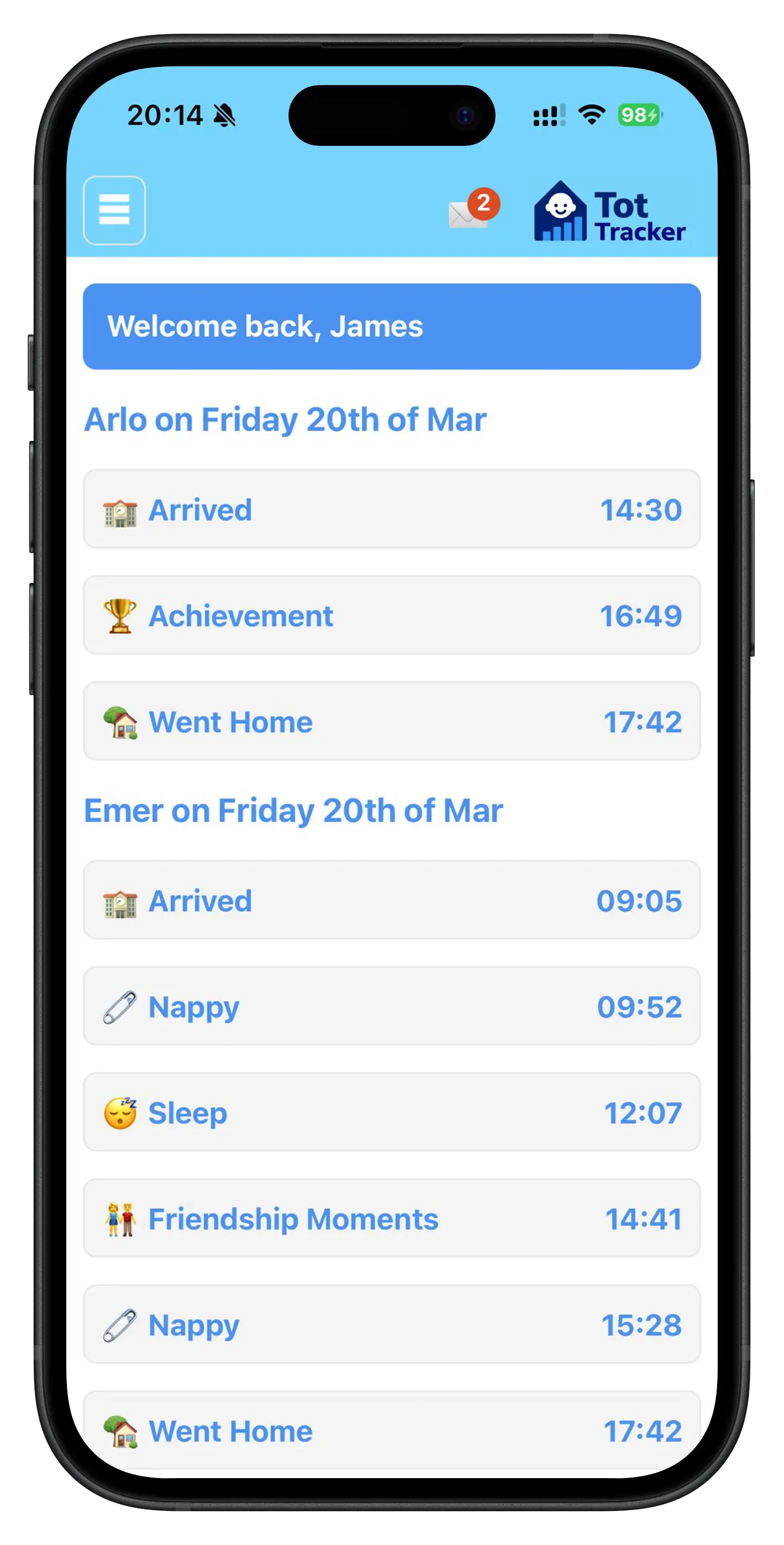
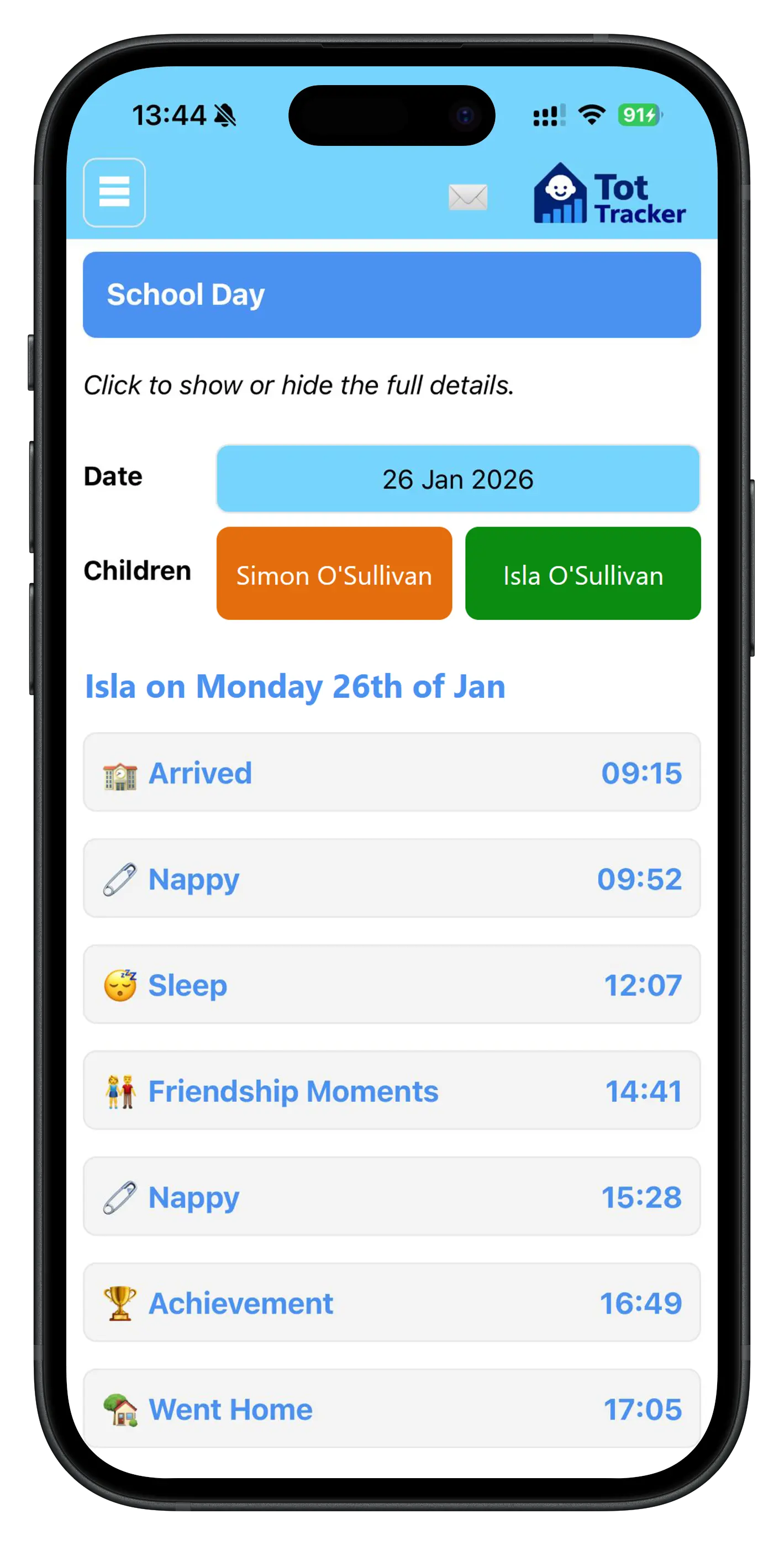
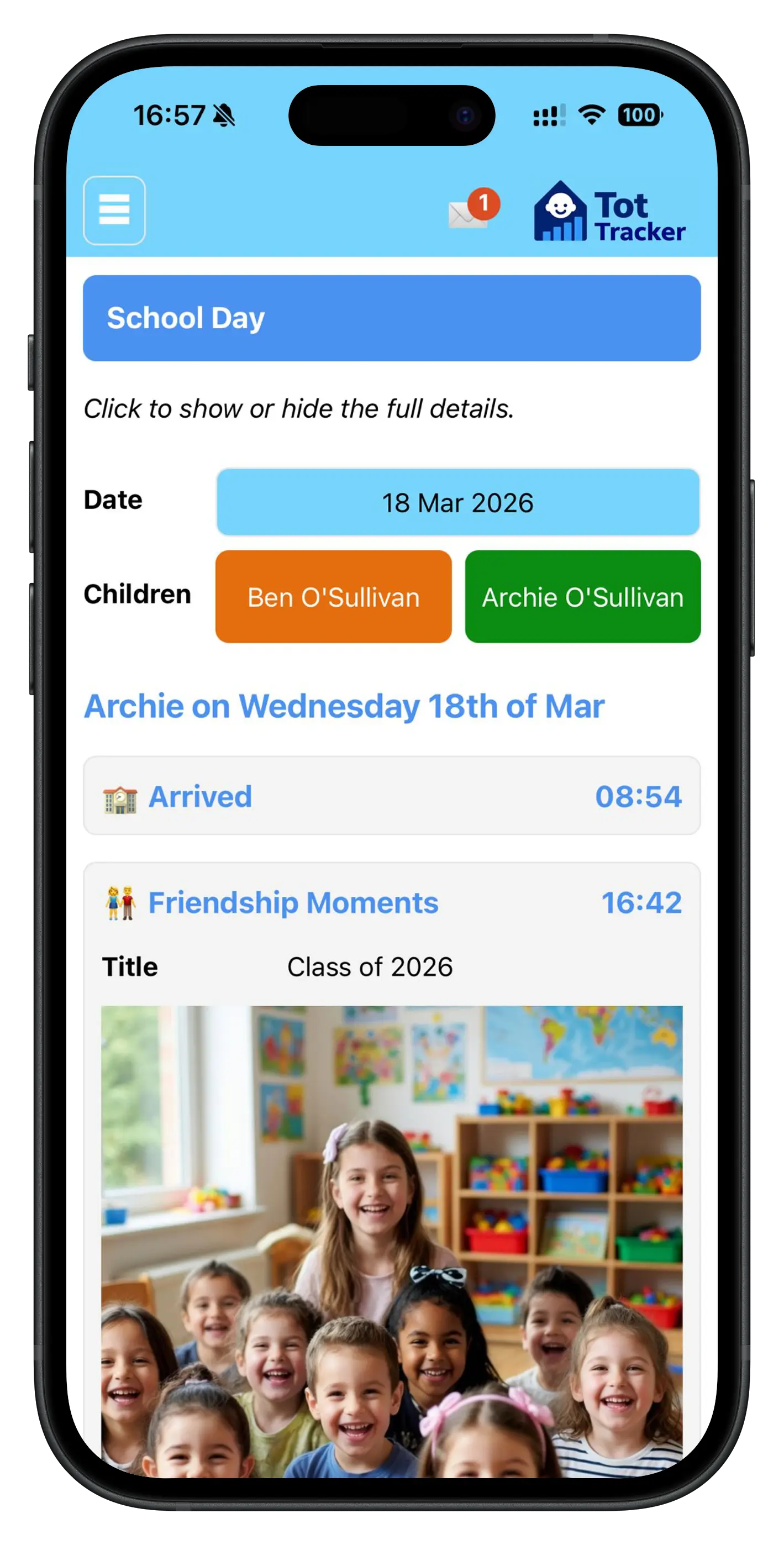
Parents want to know what their child got up to during the day, and Tot Tracker makes that effortless. Every detail - when and what was in their nappies, whether they had enough sleep, how much of their lunch they ate, and whether they achieved something noteworthy - is available directly in the app.
It's the kind of information that shapes a parent's evening. A child who skipped their afternoon snack might need feeding on the way home. One who had an extra-long nap could be up later than usual. These small insights make a real difference and parents genuinely appreciate having them at their fingertips.
Best of all, everything is shared through the most private channel possible. No group chats, no social media posts - just a secure, direct line between your service and each family.
Calendar
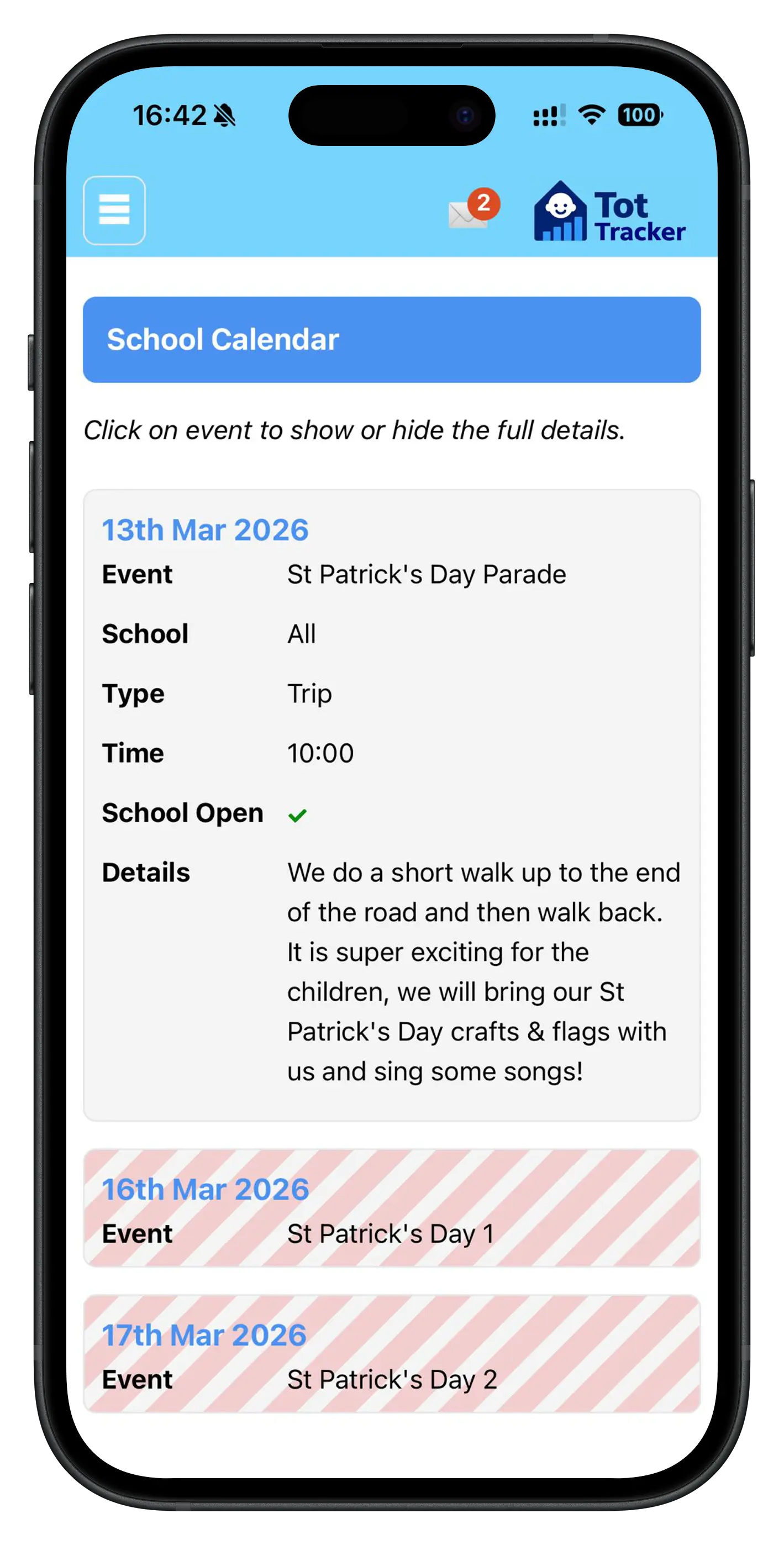
Every parent forgets the term dates at some point. The Tot Tracker parent app keeps all the dates that affect their children in one easy-to-find place, so there are fewer last-minute phone calls and confused drop-offs.
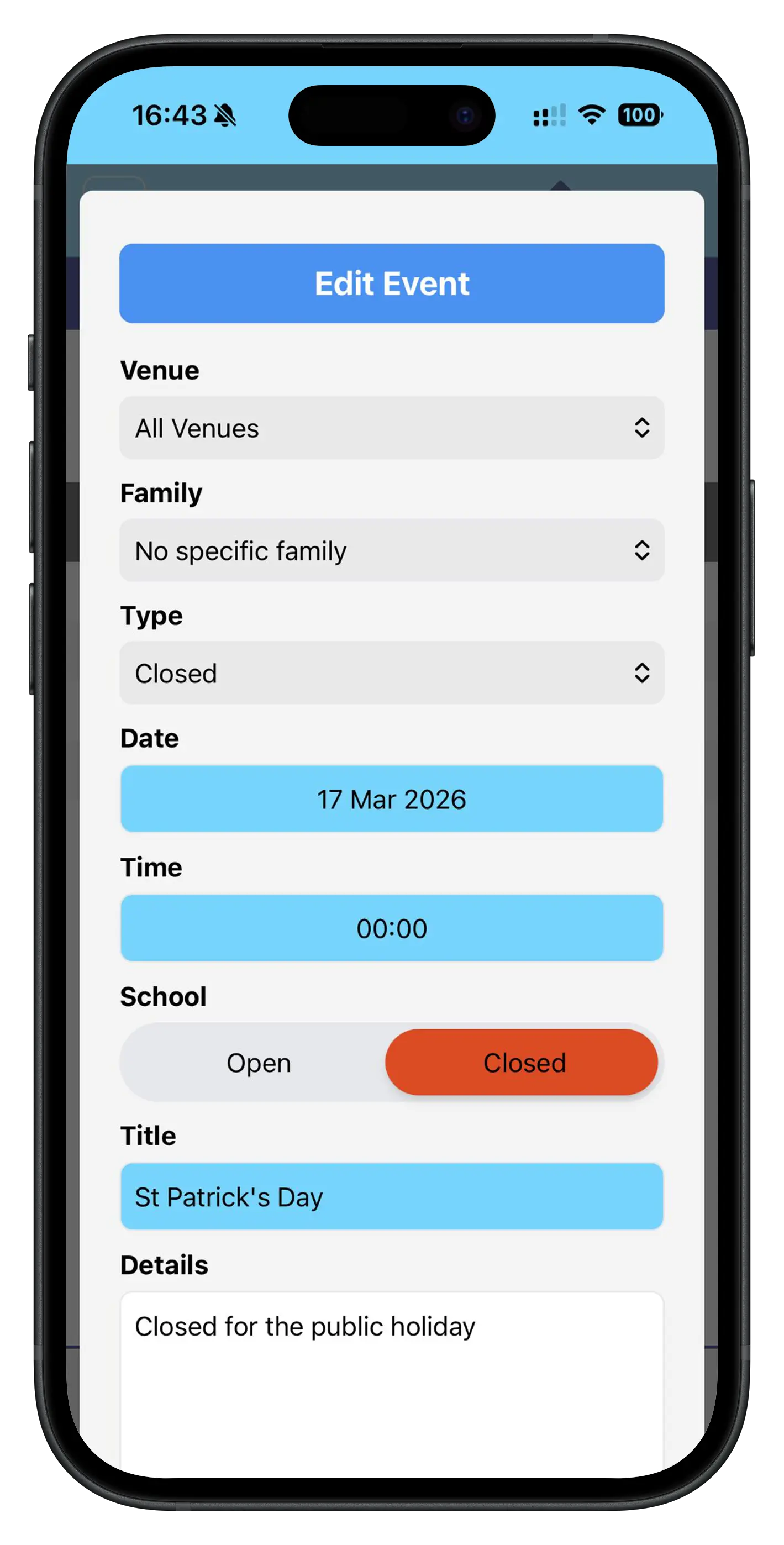
Whether it's a late opening for teacher training, a closure for a public holiday, a special event you're putting on, or simply the start and end dates for the holidays - it's all visible in the app. Parents can check at a glance without needing to dig through old emails or texts.
If a parent needs to take their child out during term time, they can notify you of the absence directly through the app. That means you know in advance, can adjust your staffing levels for the day, and have a clear record of expected attendance.
Regular Communications
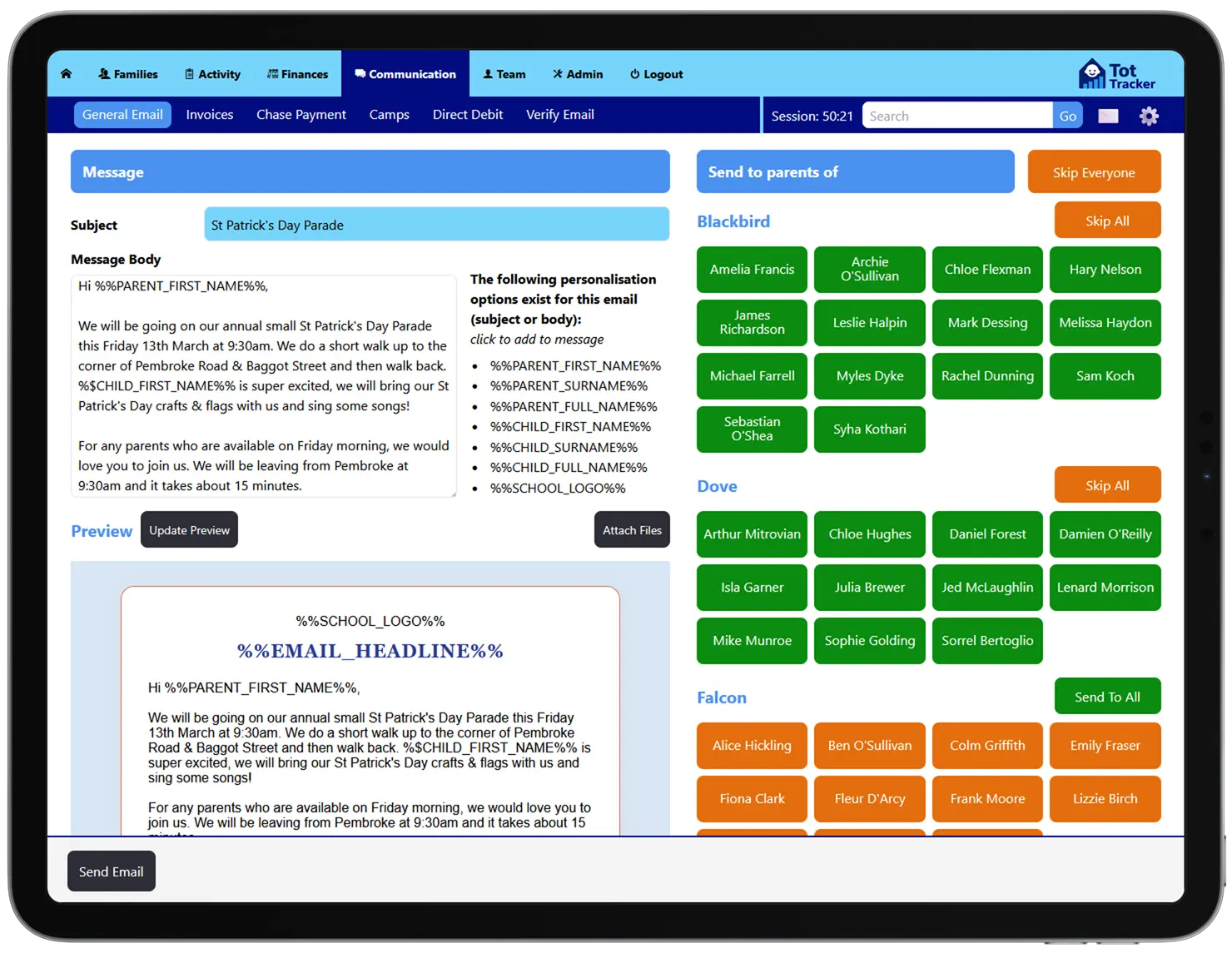
When you need to get a message out to your parents - whether it's about an upcoming event, a new invoice, or any other school matter - Tot Tracker's built-in communication tools deliver it instantly by email or in-app notification. No more relying on printed letters that end up in the bottom of a schoolbag.
For broadcast messages that go to multiple families, the built-in personalisation tools save you a huge amount of time. Instead of manually editing each email with a child's name and specific details, Tot Tracker handles the merge for you so every parent receives a message that feels bespoke.
It all adds up to a more professional, consistent communication style that parents trust and staff find easy to manage.
Authorised Adults
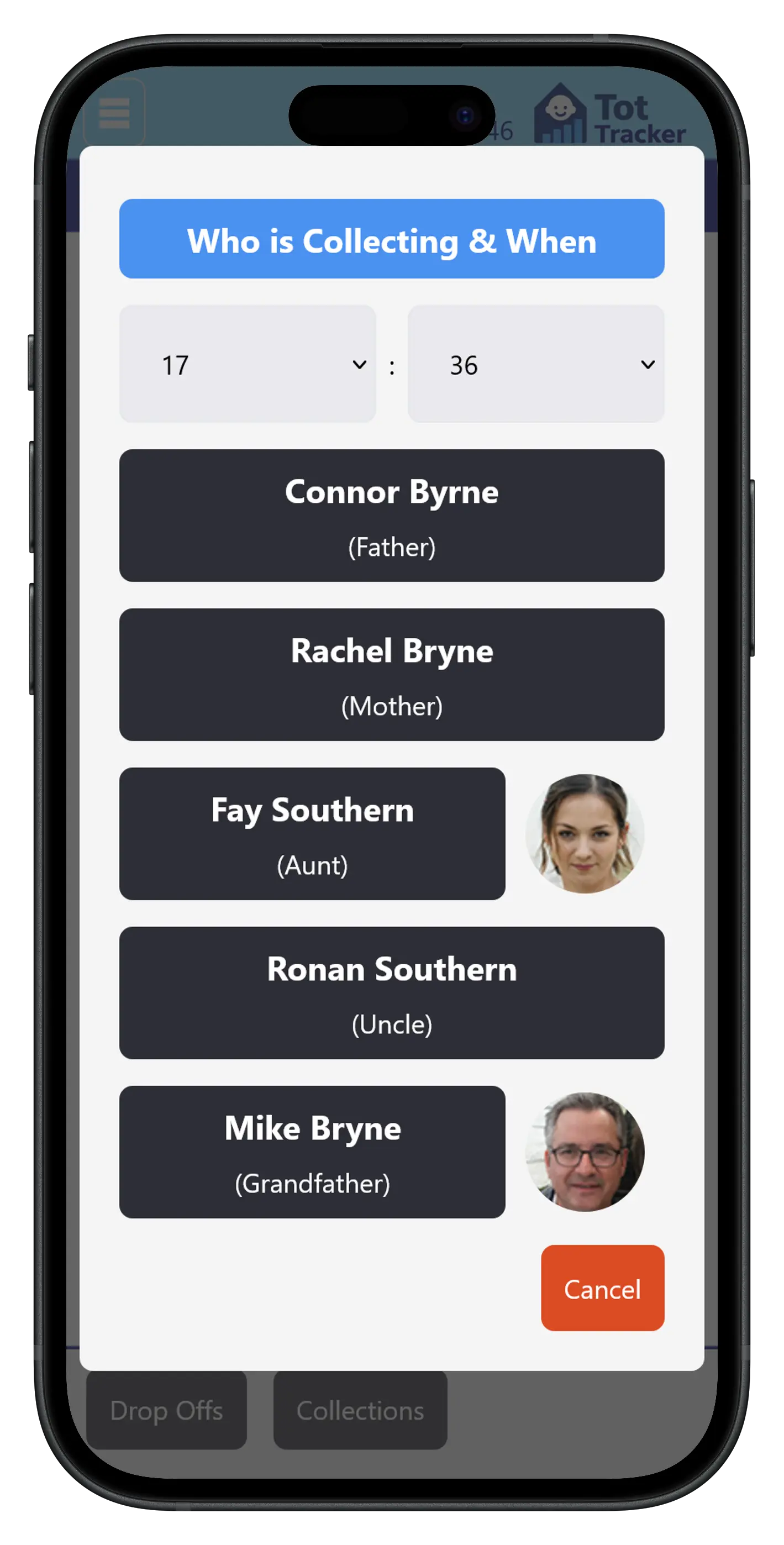
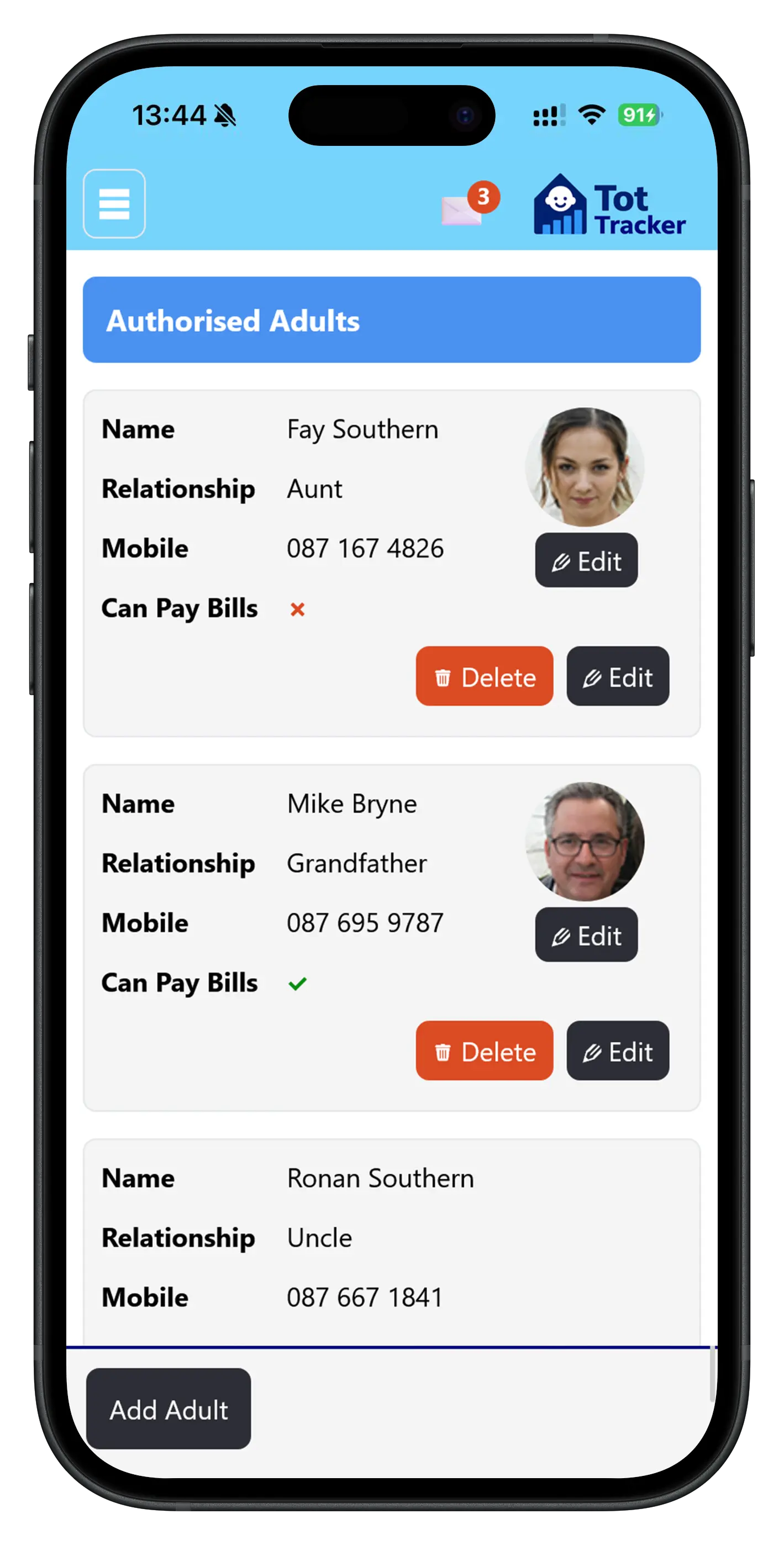
Sometimes it's not mum or dad doing the collection, and in those moments it's vital to know that the person picking up a child is genuinely authorised to do so. Tot Tracker puts this control directly in the hands of parents.
Through the parent app, families can add and remove people they've authorised to collect their child. Each entry includes a photo of the adult, so your staff can verify their identity at the door without relying on memory or making awkward phone calls.
It's a simple feature that makes a big difference to safeguarding. The list is always up to date because parents manage it themselves, and your team can see at a glance whether someone is on the approved list before handing a child over.