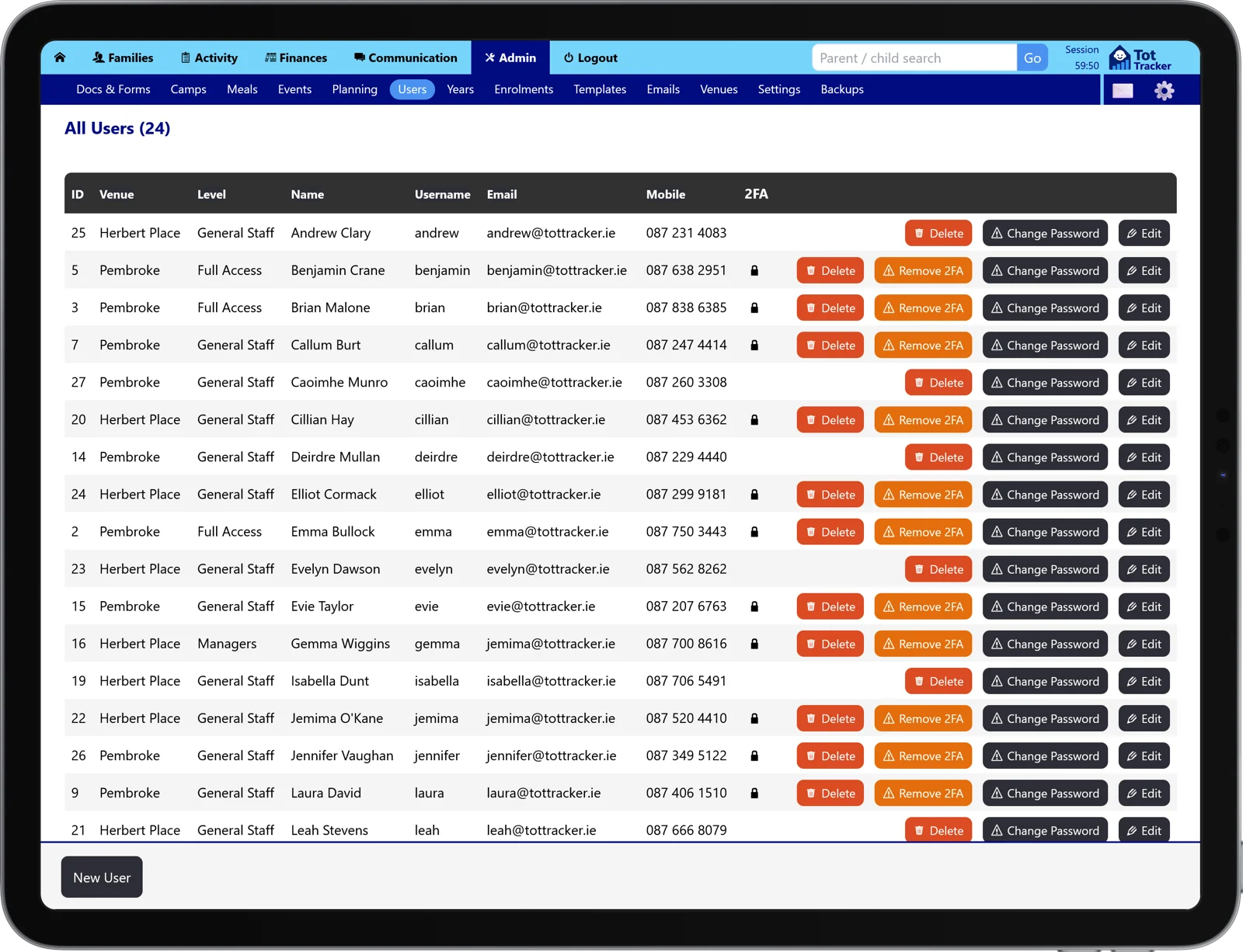
Password, then a code. That's it.
Staff sign in the way they always have, then confirm with a short code from their phone. It takes a few seconds, and Tot Tracker remembers a trusted device so nobody is typing codes all day long.
There is no new app to buy and no hardware to hand out. Any standard authenticator app works, and a manager can help a staff member back in if a phone is lost or replaced.
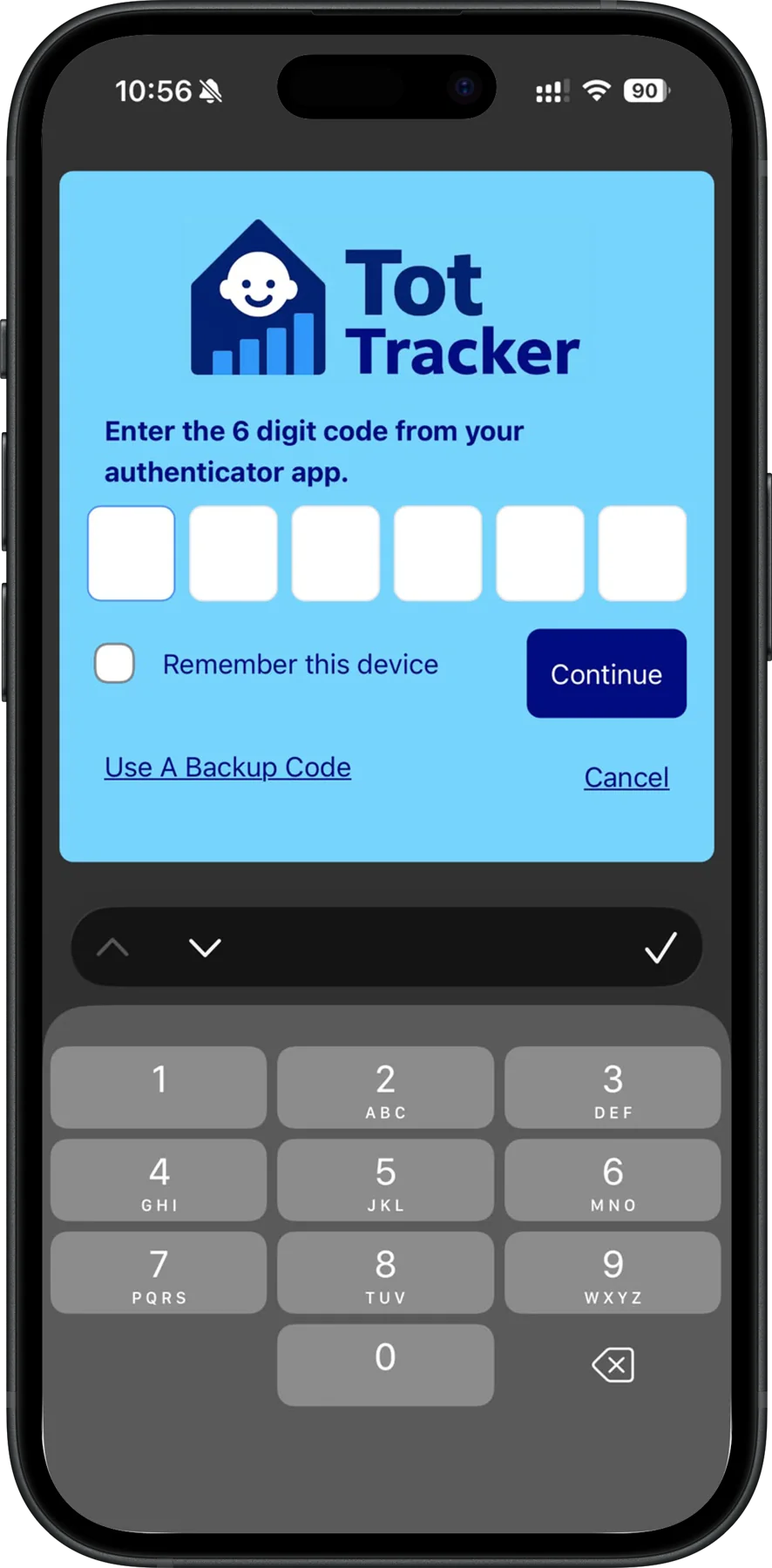
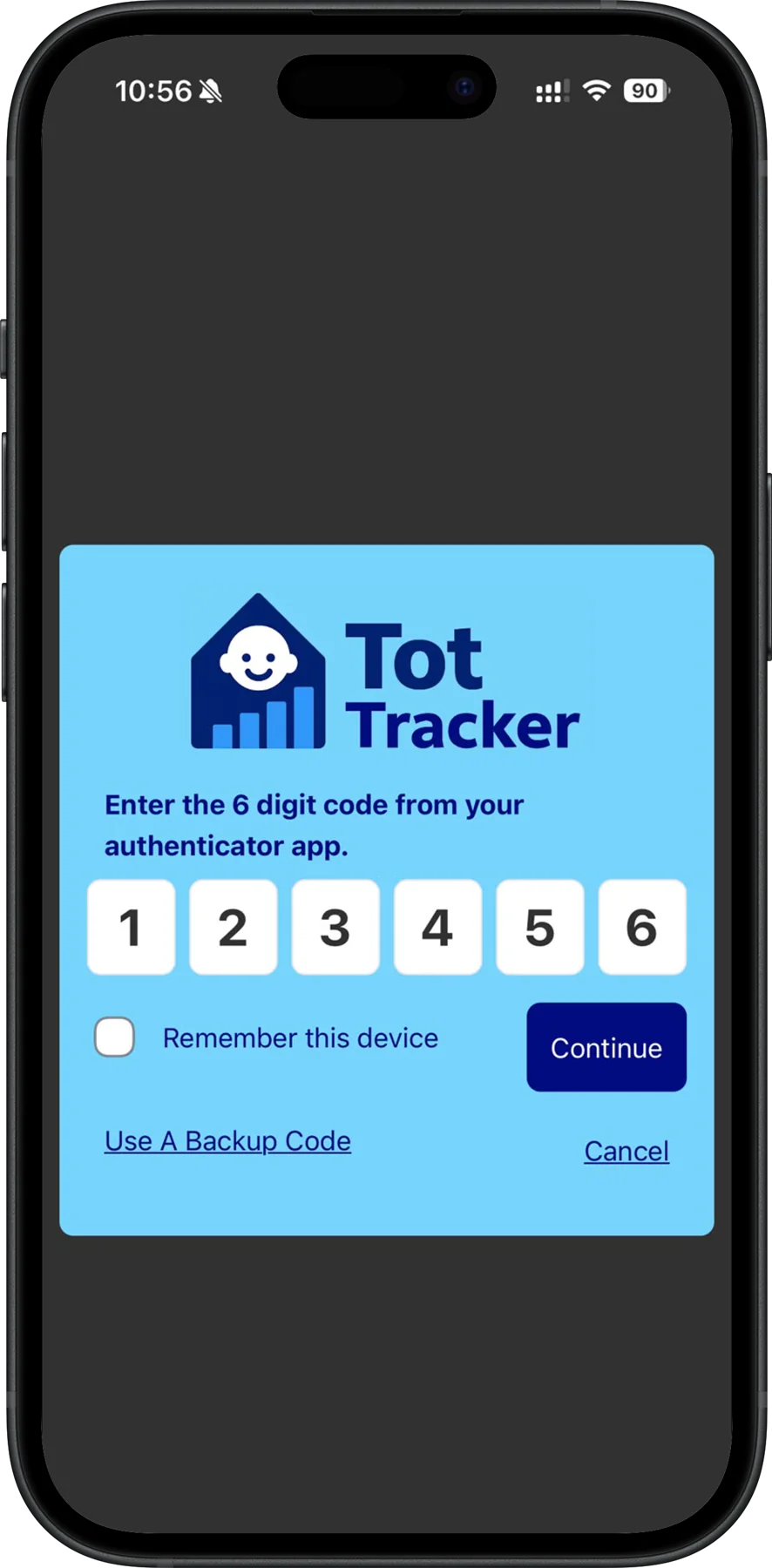
Optional, required, or set by job role
You decide how strict to be. Leave two-step login optional so staff can switch it on themselves, make it required for everyone, or set the rule by job role so managers and administrators must use it while room staff can choose.
That way the people who see medical details, custody arrangements and payment records are always protected, and a busy drop off never turns into a queue at the shared tablet.
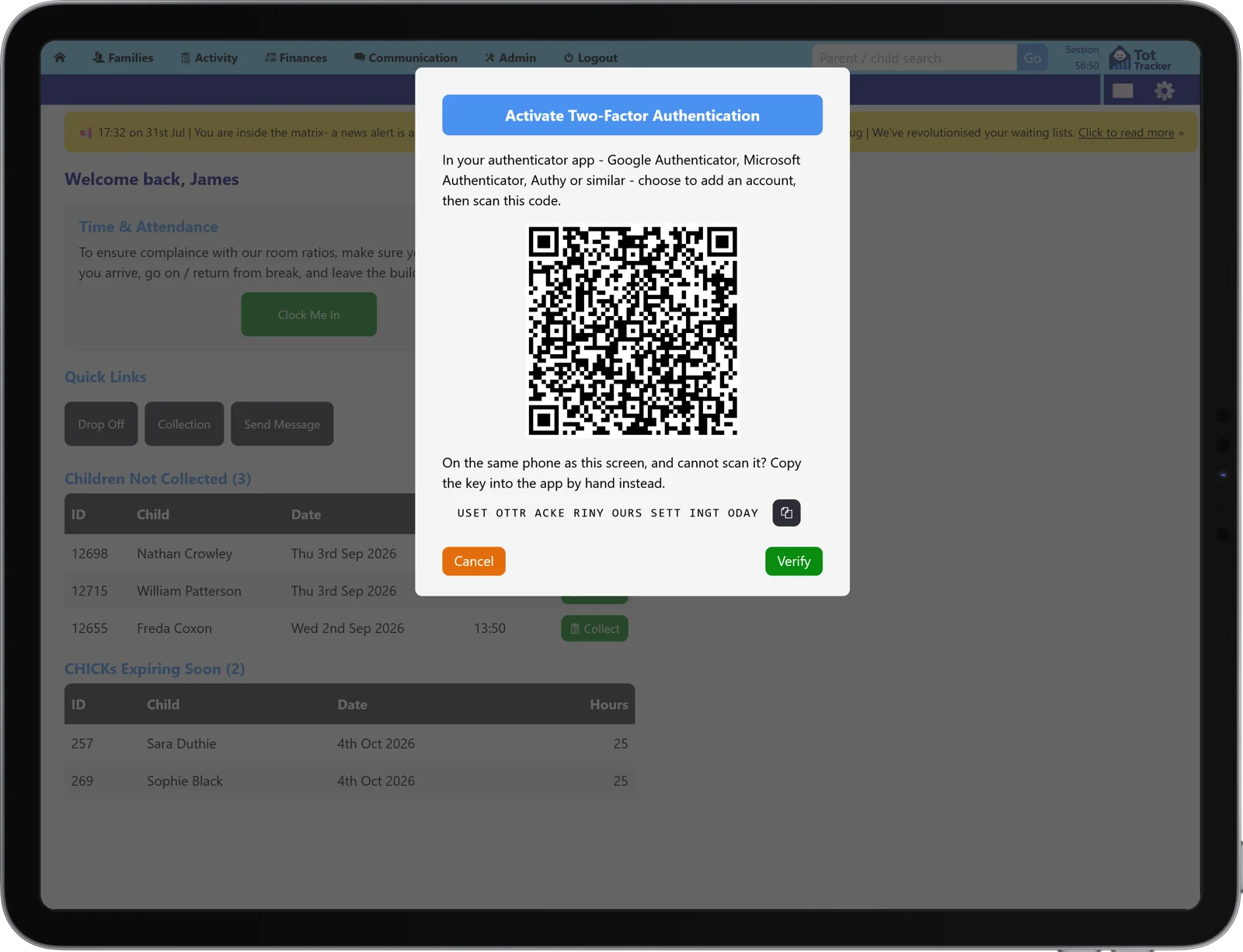
A clear answer when data protection comes up
Your service holds allergy and medical information, contact details, custody arrangements and payment records for other people's children. Access control is one of the first things asked about when anyone reviews how that data is looked after.
Two-step login gives you something concrete to point to, and it protects you against the most common way accounts are lost, which is a password reused somewhere else and leaked from an unrelated website.