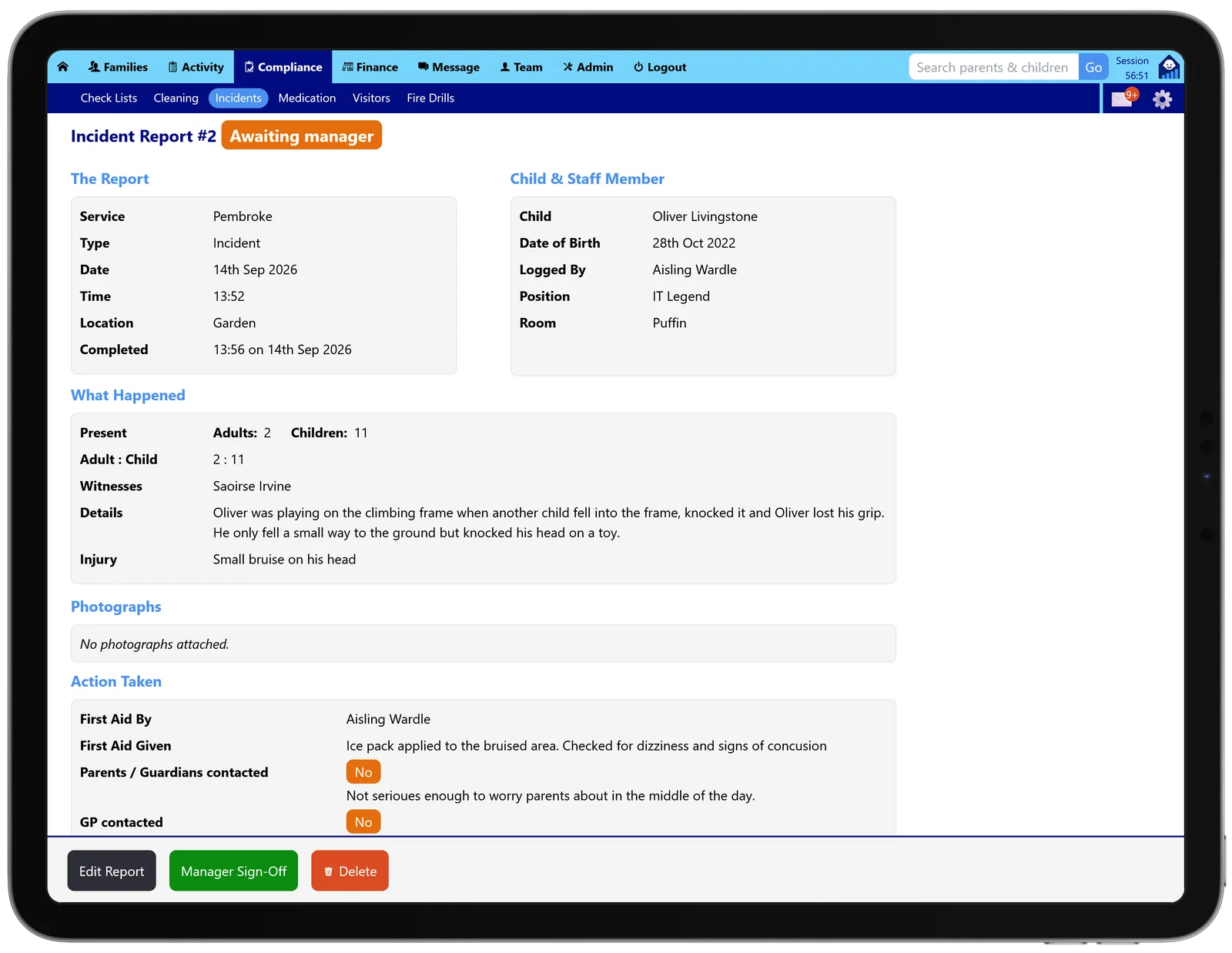
Written up while it is still fresh
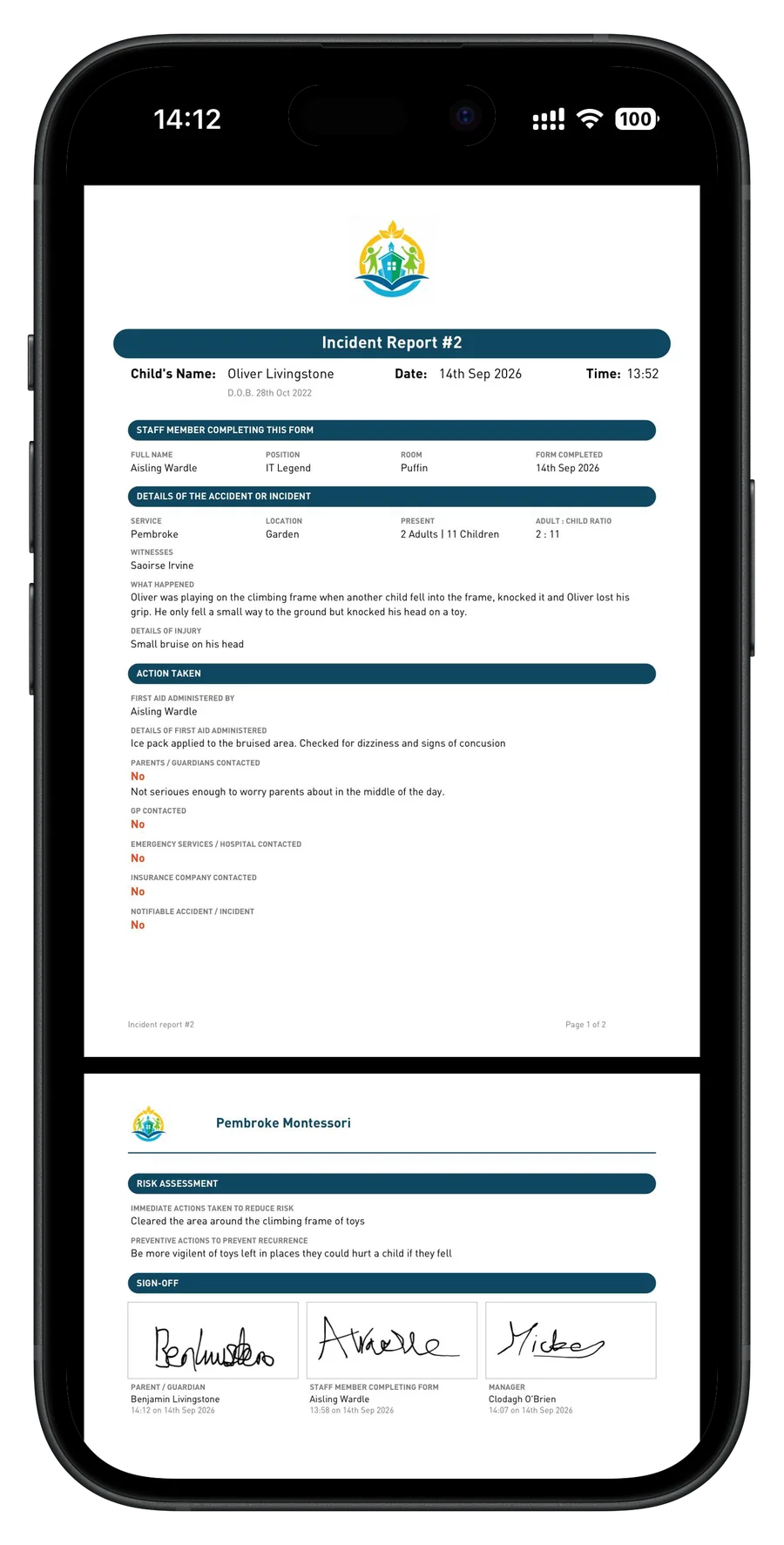
The educator who was there records what happened, the injury, who witnessed it, and the adult to child ratio at the time. Prompts cover the things easily forgotten later: the first aid given, whether the parents, GP, emergency services or your insurer were contacted, and whether it counts as a notifiable accident.
A risk assessment closes the report. What you did straight away to make the area safe, and what will stop it happening again.
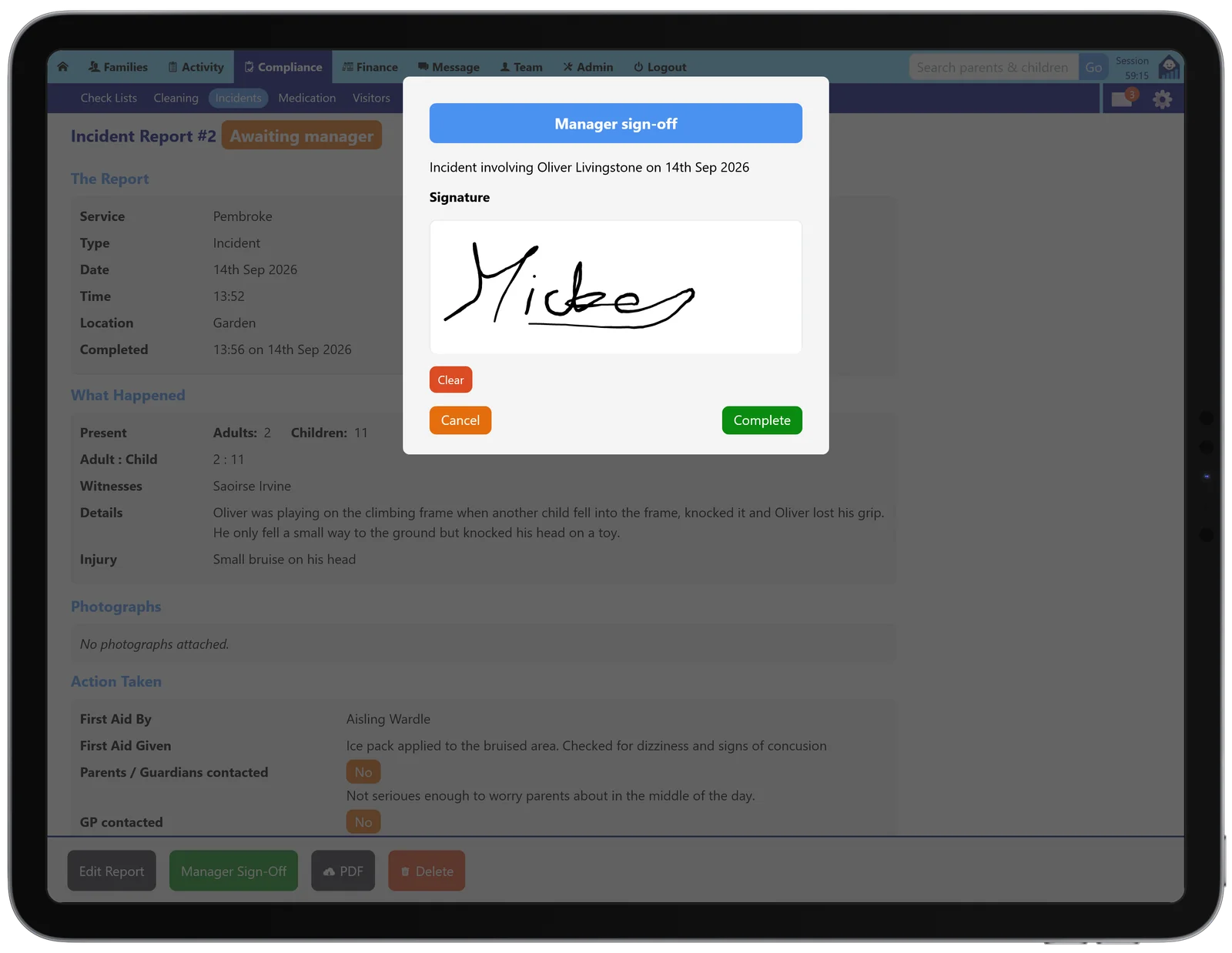
Nothing goes out before a manager sees it
A report sits marked as awaiting manager until someone senior has read it through, so it is obvious at a glance what is still outstanding.
Your manager signs on the screen and the time of that signature is kept with the report, which matters when the question is who knew what and when.
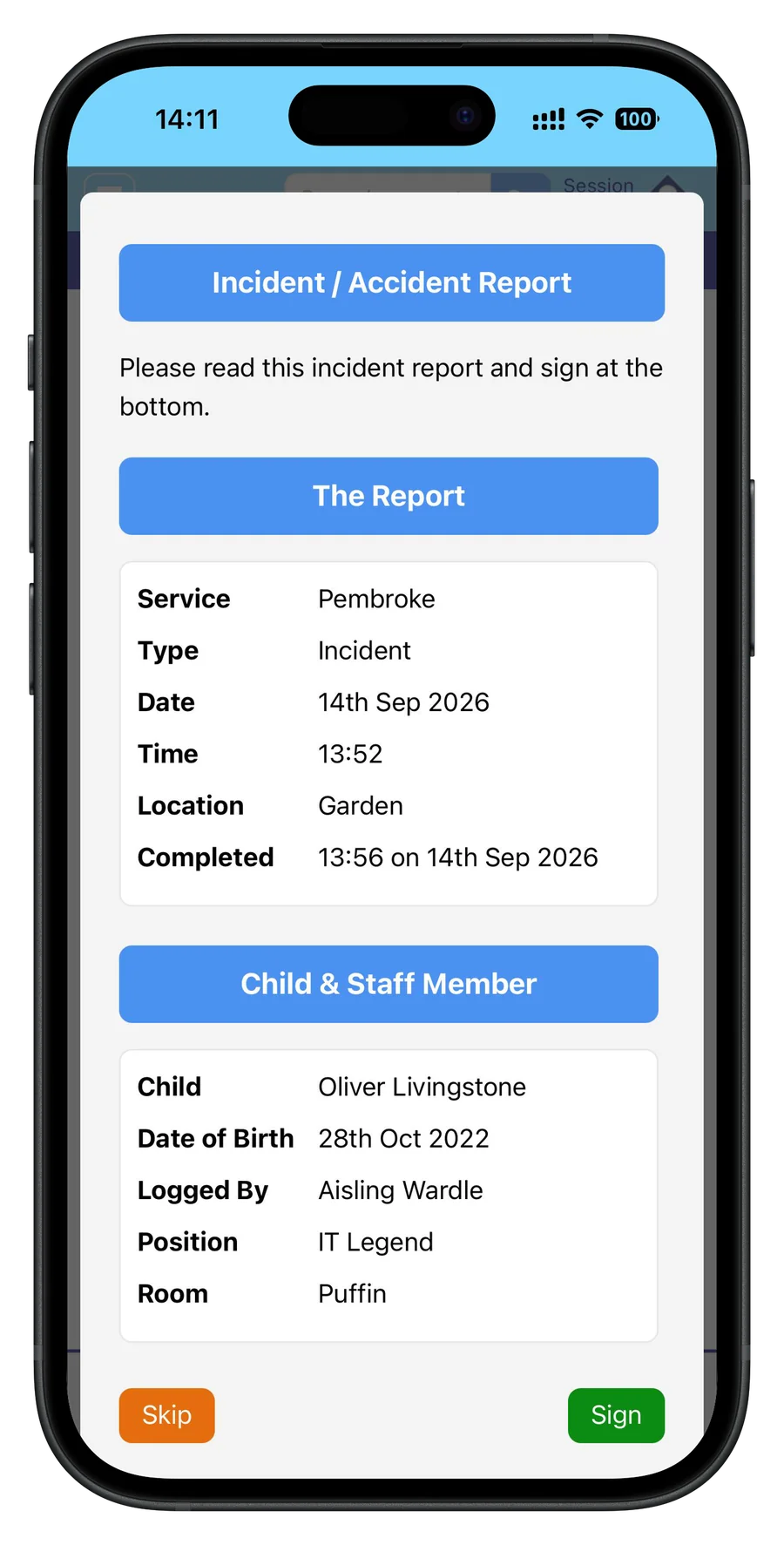
Then the parent signs before they leave
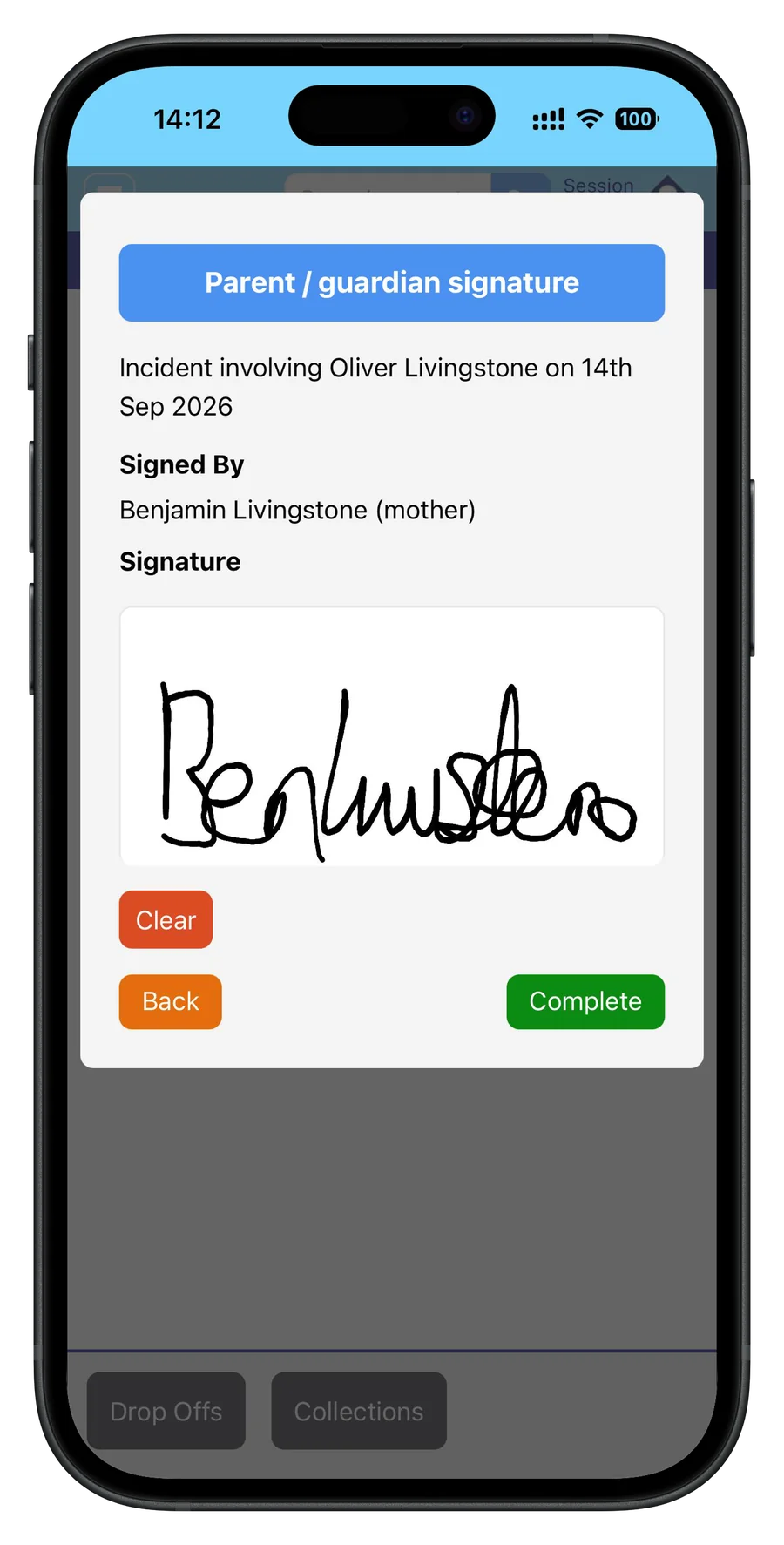
At collection the report is handed to the parent on a phone. They read it and sign on the screen, so it is finished at the door instead of chased by email for a fortnight.
If a child goes home without it being signed, the report stays flagged rather than quietly disappearing into the file.
One PDF, on your own letterhead
With the last signature in, the report becomes a PDF carrying all three, parent, staff member and manager, each stamped with the time it was given.
It comes out under your own logo, with the risk assessment alongside it. That is the copy you print, email to a parent, or hand across at an inspection.
Fire drills logged as you run them
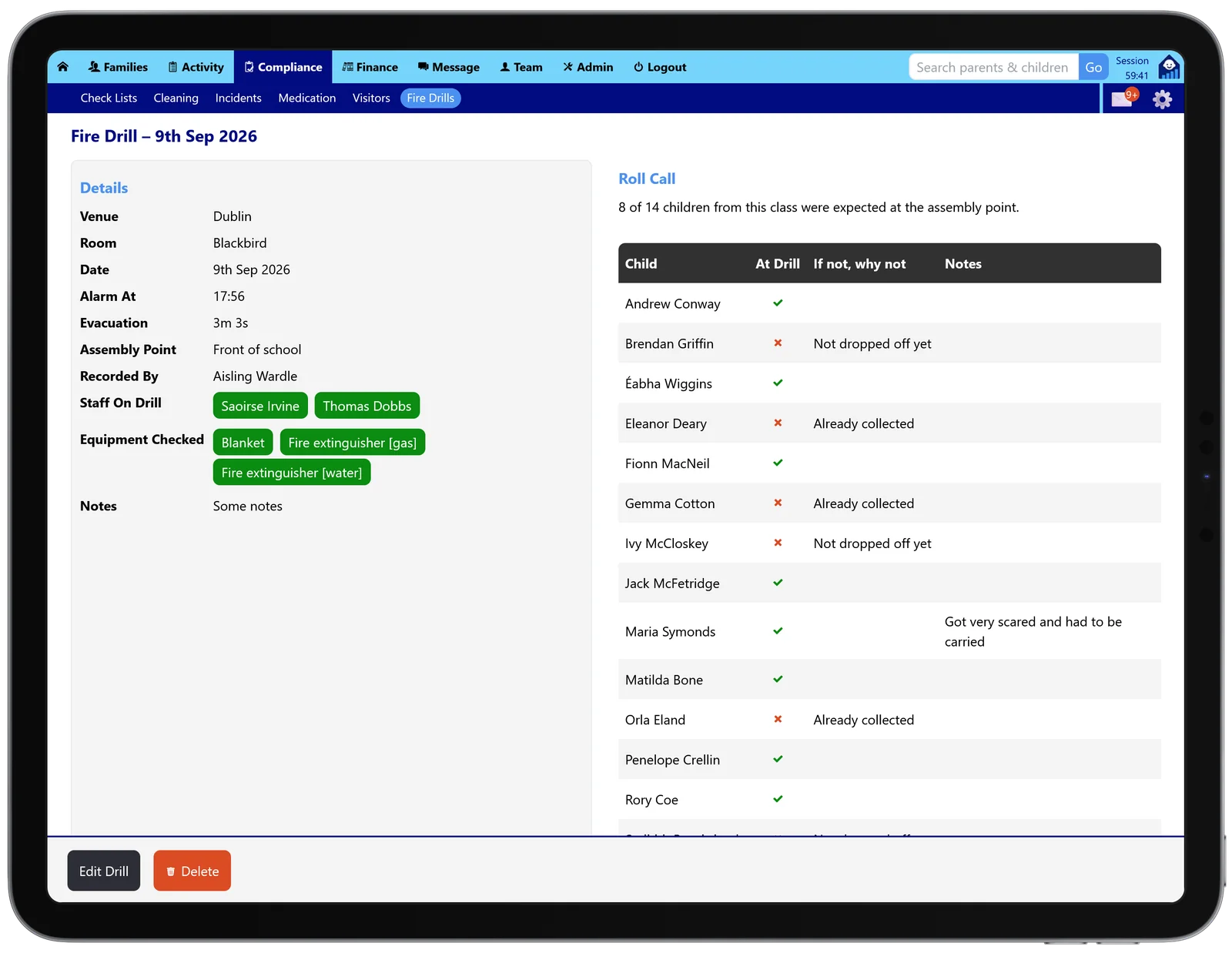
Record the drill where you are standing: the time the alarm went, how long the evacuation took, the assembly point, which staff took part, and the equipment you checked on the way out.
The roll call lists every child expected that day and asks you to account for anyone missing from the assembly point, already collected or not yet dropped off. Anything else worth remembering goes in a note beside the name.
A visitor book that cannot go missing
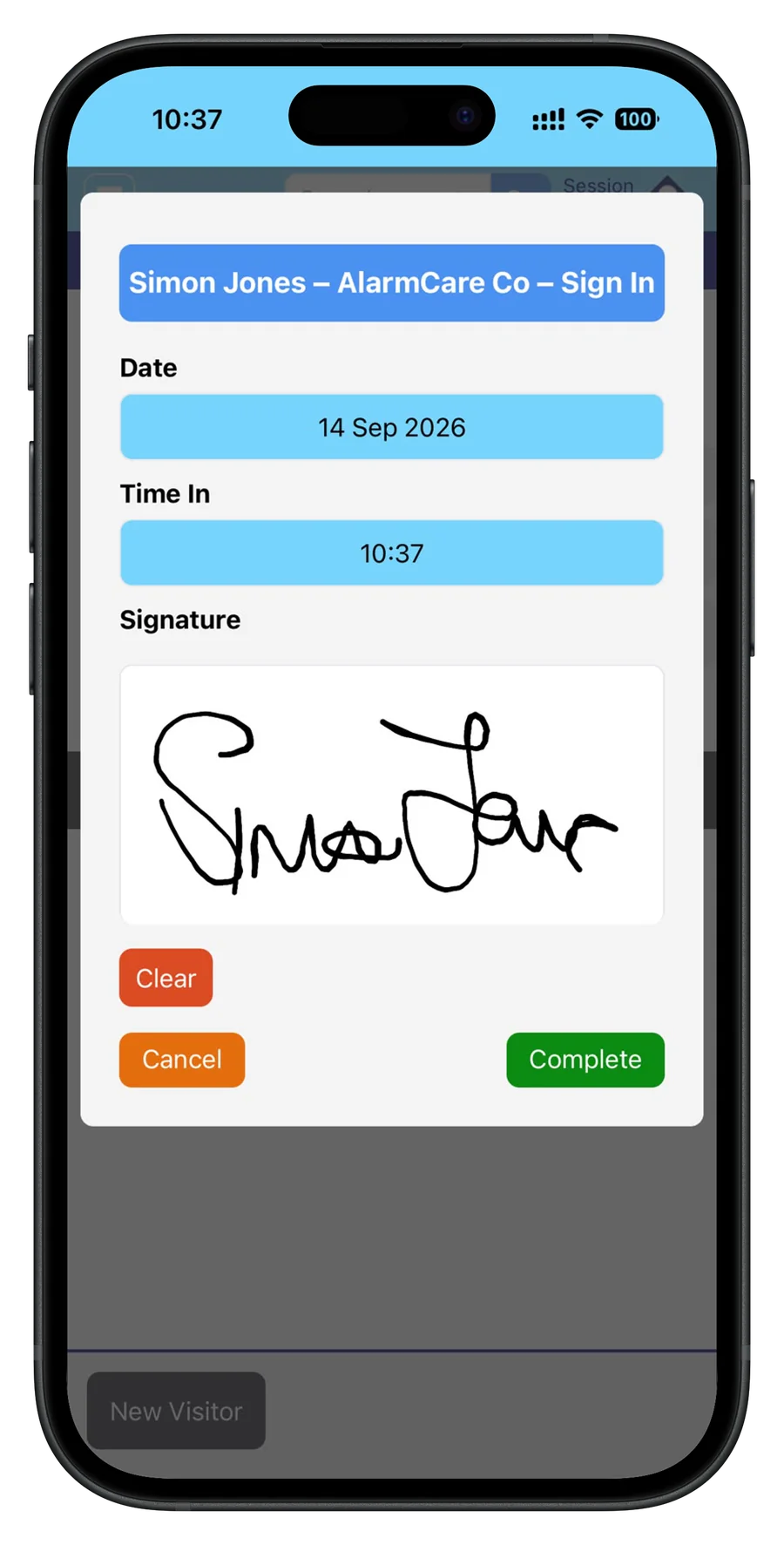
Visitors sign in at the door on a phone with their name, who they are from, and the time they arrived, then sign out on the way back through.
Every entry stays searchable, so answering who was on site on a particular afternoon takes seconds rather than a rummage through a folder.